Where to Draw the Line: Setting Boundaries for AI in Your Business
How much should an AI be allowed to see, say and do? A practical framework for setting boundaries on chatbots and AI agents, from read-only answers to actions that need a human's approval.
The question most businesses ask about AI is "what can it do?" The question that actually decides whether the project goes well is "what should it be allowed to do?"
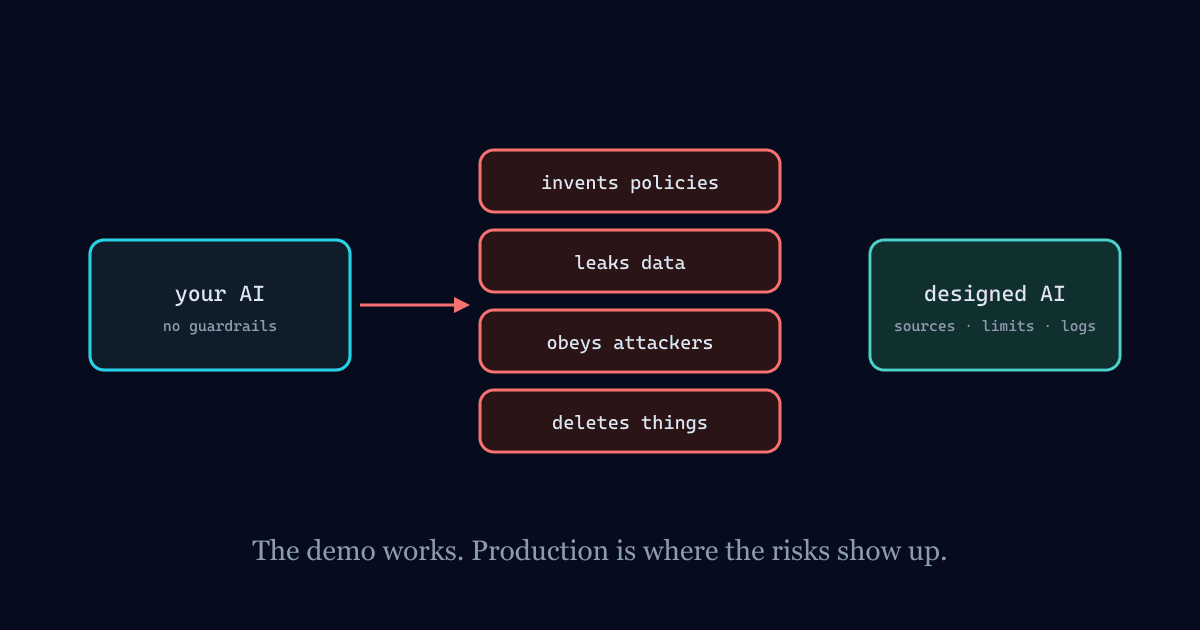
Those aren't the same. A capable model connected to your systems can, technically, send emails, issue refunds, change prices and delete records. Whether it should do any of those, for whom, and with whose sign-off, is a business decision. If nobody makes it deliberately, the default is usually "whatever the API key allows," and that's how databases get deleted.
Here's how we think about setting those lines.
Start with four questions
For any AI you're about to deploy, write down answers to these before writing a single prompt.
What can it see? Which systems, which records, and on whose behalf. The safest default is that an AI sees exactly what the person using it could see, and nothing more.
What can it say? Which topics it answers, which it declines, and what it does when it doesn't know. A support bot that can discuss your refund policy should not be improvising new ones.
What can it do? Which actions it can take, if any. Reading a report and sending a payment are different universes of risk.
Who is accountable? A named person or team who owns the system, reviews its failures and can switch it off.
Five levels of autonomy
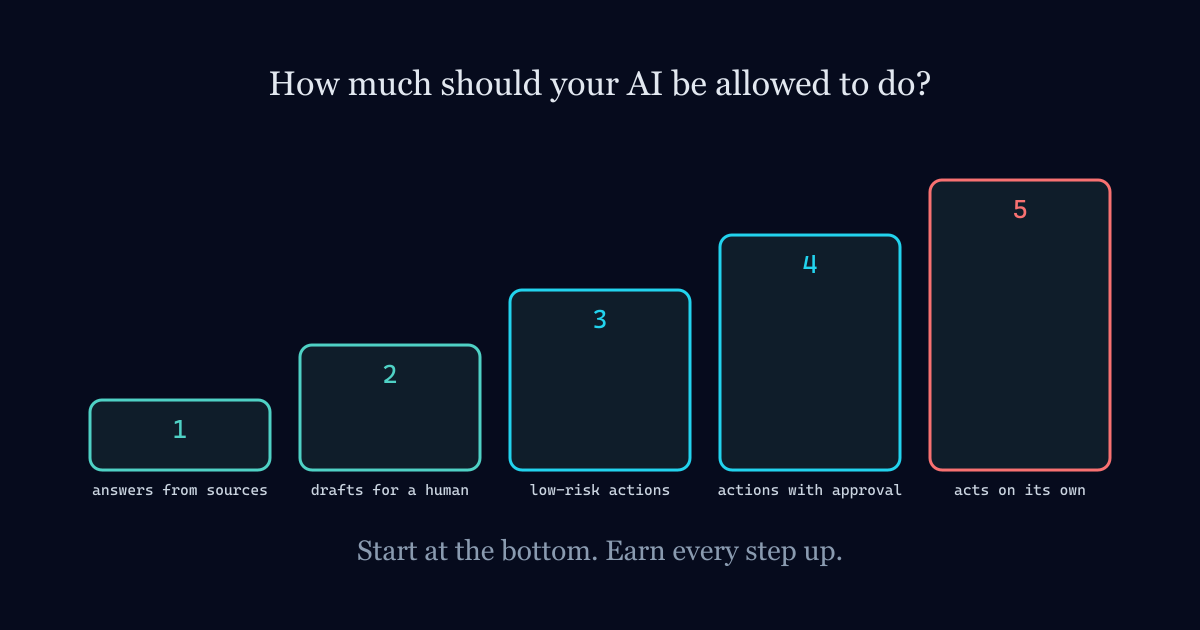
Most AI uses fall somewhere on this ladder. Each step up gives more value and needs stronger controls.
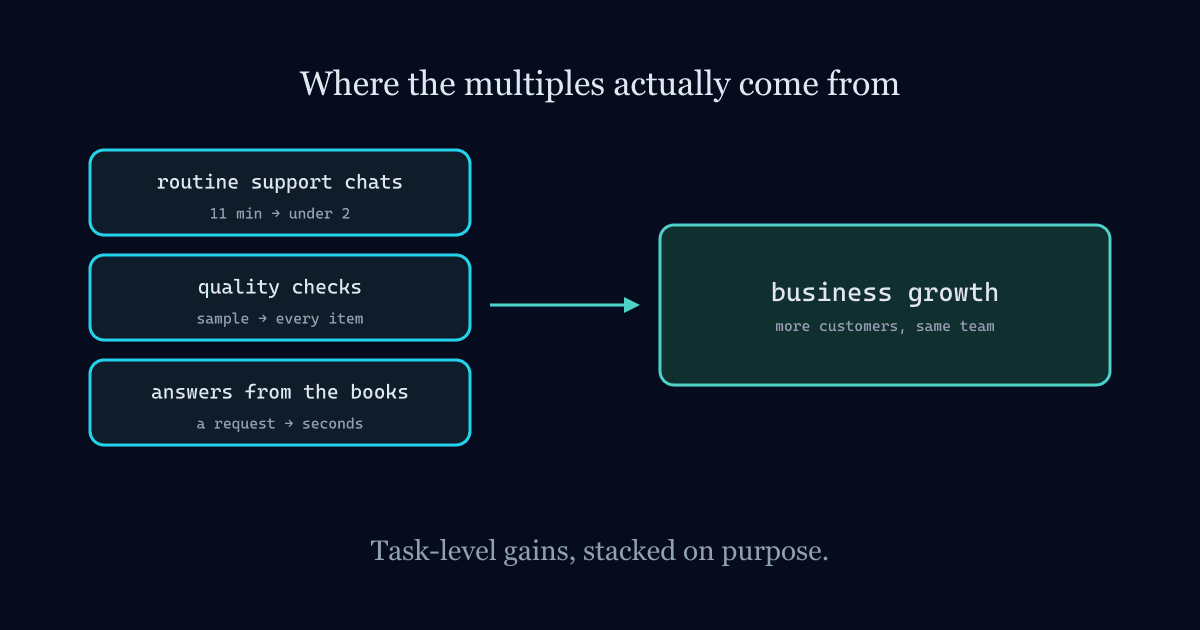
Level 1: Answers from approved sources. The AI answers questions using your documents or live data, cites where each answer came from, and changes nothing. This is where nearly every business should start, and it's where a lot of the value is. The assistant in our Izma Office product lives here deliberately: it's read-only.
Level 2: Drafts for a human. The AI prepares something, like an email reply, an invoice, a report or a code change, and a person reviews and sends it. The human is the last step, every time.
Level 3: Low-risk actions on its own. The AI can take actions that are cheap and easy to undo, like tagging a ticket, scheduling a reminder or updating a draft. Every action is logged.
Level 4: Real actions with approval. The AI can prepare consequential actions, such as a refund, a price change or a data update, but a person has to approve each one before it happens.
Level 5: Real actions on its own. Reserved for narrow, well-tested tasks with hard limits, monitoring and a fast way to reverse mistakes. Very few business tasks belong here, and anything irreversible never does.
The classic mistake is jumping straight from level 1 to level 5 because the demo went well.
Boundaries that belong in code, not in the prompt
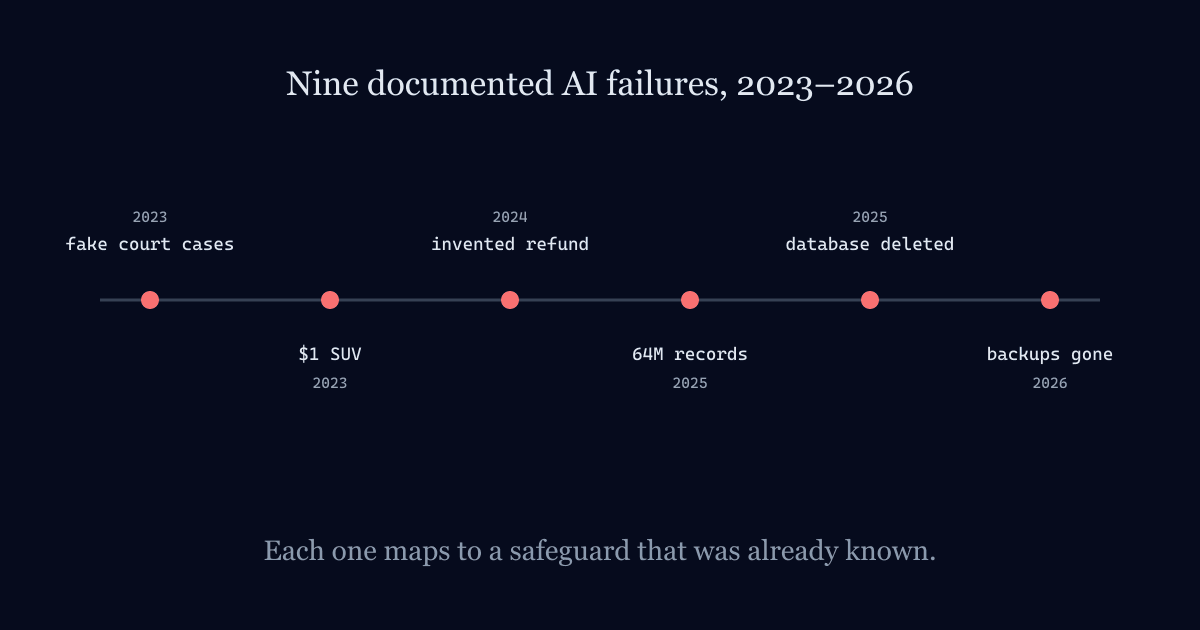
You can tell a model "never delete production data" in its instructions. The Replit agent that wiped a live database in 2025 had been told about a code freeze. Instructions are guidance, not enforcement. The boundaries that matter have to be enforced by the system around the model:
- Least privilege. Give the AI its own credentials, scoped to exactly the tools and data its task needs. Never hand it an admin key because it's convenient.
- Act as the user. When the AI fetches data for someone, it should run under that person's permissions, so it can't be used to see what they couldn't.
- No irreversible actions without a human. Deleting, paying, sending externally and changing prices all go through a confirmation step that a person clicks.
- Separate environments. An agent working in testing should have no path to production credentials. The 2026 PocketOS incident started with an agent finding an API it was never meant to use.
- Hard limits. Caps on spending, number of actions, rows changed and messages sent, so a mistake can't run away overnight.
- Full logging. Every question, tool call and action, recorded with who triggered it.
- An off switch. One setting that disables the AI immediately, owned by someone who knows it exists.
Boundaries on what it says
Customer-facing AI needs limits on content as well as actions:
- It answers only from approved sources, and says so when it can't find an answer.
- It never makes commitments on prices, refunds, contracts or policy exceptions. Those go to a person.
- It declines topics outside its job, politely and consistently.
- It's clear that the customer is talking to an AI, and it always offers a route to a human.
Air Canada's chatbot crossed several of these lines at once, and a tribunal made the airline honour what it said.
Boundaries on data
Decide early what data may be sent to which AI provider. For many businesses the answer is: public and internal-general information can go to a reputable hosted model under a business agreement, sensitive data stays in systems you control, and the most sensitive data only goes to models you host yourself. Then give staff a safe, approved tool, because people will use AI either way. The only choice is whether they use one you've set up. The difference between pasting data and letting AI fetch it through controlled tools is covered in raw data sharing vs tool calling.
Revisit the lines as trust is earned
Boundaries aren't permanent. Start conservative, measure how the AI performs on real work, and move specific tasks up the ladder when the evidence supports it. An assistant that has drafted 500 correct replies with no edits is a reasonable candidate for sending some of them on its own. One that's never been measured isn't.
Where we come in
Setting these boundaries properly is most of the work in building AI that a business can trust. It's what we do in AI agent, RAG and knowledge base development, and it's the standard our own products are held to. If you want to see what happens when boundaries are missing, read 9 real AI failures and what they teach every business.
Building AI that has to get it right?
We build AI agents and RAG knowledge bases with the guardrails these articles describe: sourced answers, scoped permissions, full audit trails.
AI Agents & RAG →